Что такое eSIM?
Это встроенная цифровая SIM-карта, которая позволяет пользоваться мобильным интернетом без покупки физической пластиковой карты. Ваша основная SIM-карта остается в телефоне, так что вы не теряете свой номер. Просто купите пакет данных на нашем сайте, отсканируйте QR-код из электронного письма и мгновенно подключайтесь. Это на 100% цифровой процесс, который занимает менее 2 минут.
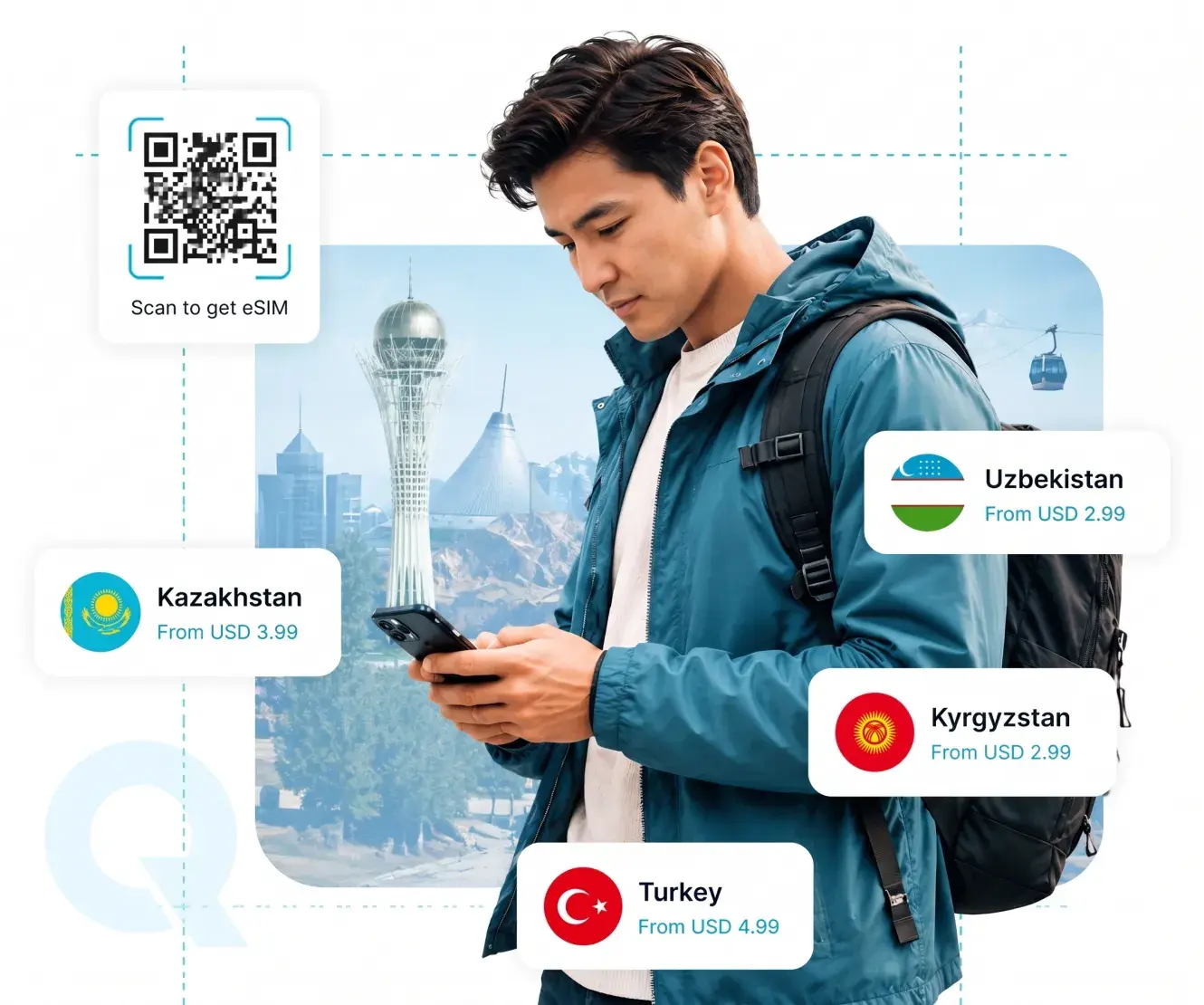
Почему Qazaq eSIM?
Мы подключаем вас к лучшим международным сетям. Ваш телефон автоматически переключается на самый сильный сигнал, гарантируя быстрый интернет. Без паспортов и удостоверений личности — просто покупайте и пользуйтесь.
-

Выберите направление
-

Купить тариф
-

Сканировать QR-код
-

Пользуйтесь интернетом с удовольствием
Часто задаваемые вопросы
Вот ответы на некоторые часто задаваемые вопросы (FAQ) об услугах eSIM.
Большинство современных смартфонов (iPhone XS/XR и новее, серия Samsung S, Google Pixel) совместимы с eSIM. Вы можете проверить это прямо сейчас: наберите *#06# на вашем устройстве. Если в списке вы увидите номер «EID», значит, ваш телефон поддерживает eSIM.
Абсолютно! Ваша основная физическая SIM-карта останется активной. Вы продолжите получать важные SMS, уведомления от банков и звонки, как обычно. Вы будете использовать Qazaq-eSIM исключительно для недорогого мобильного интернета, отключив передачу данных в роуминге на своей основной карте.
Через настройки вашего устройства в разделе мобильных сетей / подключений.
Мы настоятельно рекомендуем приобрести и отсканировать QR-код дома за день до вылета или прямо в аэропорту вылета с помощью Wi-Fi. Тарифный план активируется и начнет отсчет времени только тогда, когда вы приземлитесь в пункте назначения и подключитесь к местной сети.
Да, ваш телефон должен быть подключен к интернету (через домашний Wi-Fi, Wi-Fi в аэропорту или мобильные данные) именно в тот момент, когда вы сканируете QR-код для добавления профиля в настройки устройства.
Для этой ситуации мы предусмотрели два удобных способа установки, которые не требуют сканирования:
Способ 1: Автоматическая установка в 1 кликЭто самый простой способ. Перейдите в личный кабинет, откройте детали вашей eSIM и в блоке «Ручная и быстрая установка» нажмите зеленую кнопку «Установить в 1 клик».
Кнопка быстрой установки также доступна в письме с подтверждением покупки. После нажатия на кнопку ваш телефон автоматически откроет встроенные настройки сотовой связи и предложит установить eSIM. Просто следуйте подсказкам на экране.
Способ 2: Ручная настройкаЕсли автоматическая установка не сработала, скопируйте данные из личного кабинета из блока «Ручная и быстрая установка» и введите их вручную.
Вам понадобятся:
Адрес SM-DP+ — адрес сервера оператора. Код активации — ваш уникальный ключ.